


Looking to elevate your gaming experience? Asus gaming monitors might just be your secret weapon. These screens don’t just display pixels: they deliver a thrilling adventure right to your eyes. Imagine razor-sharp graphics, lightning-fast response times, and colors so vibrant they could make a rainbow jealous. But, before you jump into the deep end, understanding exactly what you’re buying can be a game changer. Let’s jump into the world of Asus gaming monitors, shall we?
Understanding Gaming Monitor Specifications
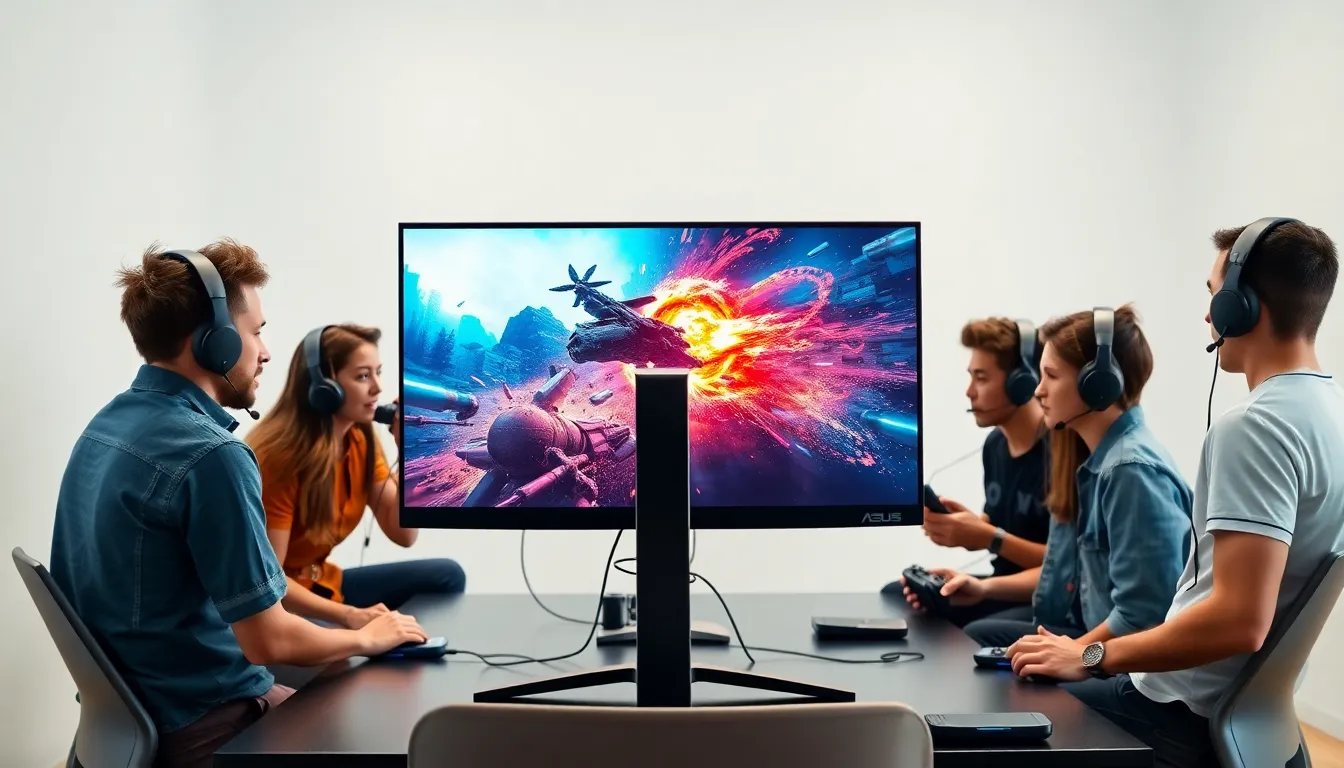
Gaming monitor specifications can feel like a maze. It’s not just about the size: resolution, refresh rates, and response times define the experience.
- Resolution: Higher resolutions mean sharper images. For instance, 1080p (Full HD) might suffice for some, but 1440p (QHD) or 4K is becoming the norm.
- Refresh Rate: Measured in Hertz (Hz), this figure indicates how many times per second the screen refreshes images. A 144Hz monitor provides a smoother experience than 60Hz, crucial for competitive gaming.
- Response Time: This measures how quickly pixels change from one color to another. A lower response time translates to less blurring in fast-paced games. A good target is 1ms or lower.
Understanding these specs will help determine what fits best for your gaming style.
Key Features to Look For in Asus Gaming Monitors
When scouting for an Asus gaming monitor, certain features should capture attention.
- Adaptive Sync Technology: Look for monitors that feature technologies like G-Sync or FreeSync. These sync the frame rates between the monitor and GPU, reducing tearing and stuttering.
- Ultra-Low Blue Light: Long gaming sessions can strain the eyes. Asus monitors equipped with Ultra-Low Blue Light technology help minimize eye fatigue.
- Ergonomic Design: Adjustable stands allow gamers to customize height and tilt, improving comfort during long sessions.
- High Dynamic Range (HDR): HDR capabilities enhance contrast and color range, making graphics pop and immersing players further into their games.
Recognizing these features will further refine the search for that perfect monitor.
Top Asus Gaming Monitor Models
Several standouts shine in the realm of Asus gaming monitors.
- ASUS ROG Swift PG259QN: Sporting a jaw-dropping 360Hz refresh rate, this model is a dream for competitive gamers.
- Asus TUF Gaming VG289Q: This 4K monitor strikes a balance between price and performance. It’s excellent for both gaming and general use, offering stunning visuals and adaptive synchronization.
- ASUS ROG Strix XG438Q: With a massive 43-inch display, this monitor brings gaming into a whole new dimension. It boasts impressive HDR support and a refresh rate of 120Hz.
Each model serves unique gaming needs, ensuring something for everyone.
Advantages of Using Asus Gaming Monitors
Opting for an Asus gaming monitor comes with considerable benefits.
- Quality: Renowned for their reliability, Asus monitors often boast exceptional build quality and performance consistency.
- Innovation: Asus consistently pushes the envelope with new technology and features, ensuring their monitors don’t just keep up but lead the market.
- Support: The customer service for Asus products is often highly rated, providing peace of mind for users who might need assistance or repairs.
Investing in an Asus gaming monitor often pays off in reliability and dazzling performance.
Comparing Asus Gaming Monitors to Competitors
In a crowded market, how do Asus gaming monitors stack up against competitors?
- Price and Performance: Asus typically offers a competitive price point for the specifications, often providing better value compared to brands like Acer or Dell.
- Feature Set: ASUS tends to incorporate a more comprehensive feature set in their offerings. Many models come with robust technologies that rival higher-priced competitors.
- Visuals and Design: The aesthetic appeal of Asus monitors generally surpasses others in its range, with sleek designs that are visually pleasing in any gaming setup.
Evaluating these comparisons helps in making an informed purchasing decision.
Tips for Optimizing Your Asus Gaming Monitor Experience
To get the most out of an Asus gaming monitor, consider these optimization tips.
- Calibration: Properly calibrating brightness, contrast, and colors can vastly improve image quality. Use calibration tools available within the monitor settings.
- Cable Quality: Using high-quality HDMI or DisplayPort cables ensures maximum performance. Cheap cables can lead to a subpar experience.
- Adjust Settings: Take the time to explore the settings. Tweaking options like GamePlus can enhance your gaming effectiveness.
Adopting these optimizations can significantly heighten the gaming encounter.

