


When it comes to creating a gaming setup, think of it as setting up a cozy little fortress where epic battles and high scores await. A simple gaming setup doesn’t need to be extravagant: it just needs to be effective and enjoyable. After all, who has time to grapple with wires and bulky equipment when they could be taking down the final boss in their favorite game? In this guide, we’ll break down the essential components and personal touches that will transform your gaming corner into a place of glory and comfort. So, gear up and let’s jump into the world of simple yet powerful gaming setups.
Essential Components of a Gaming Setup
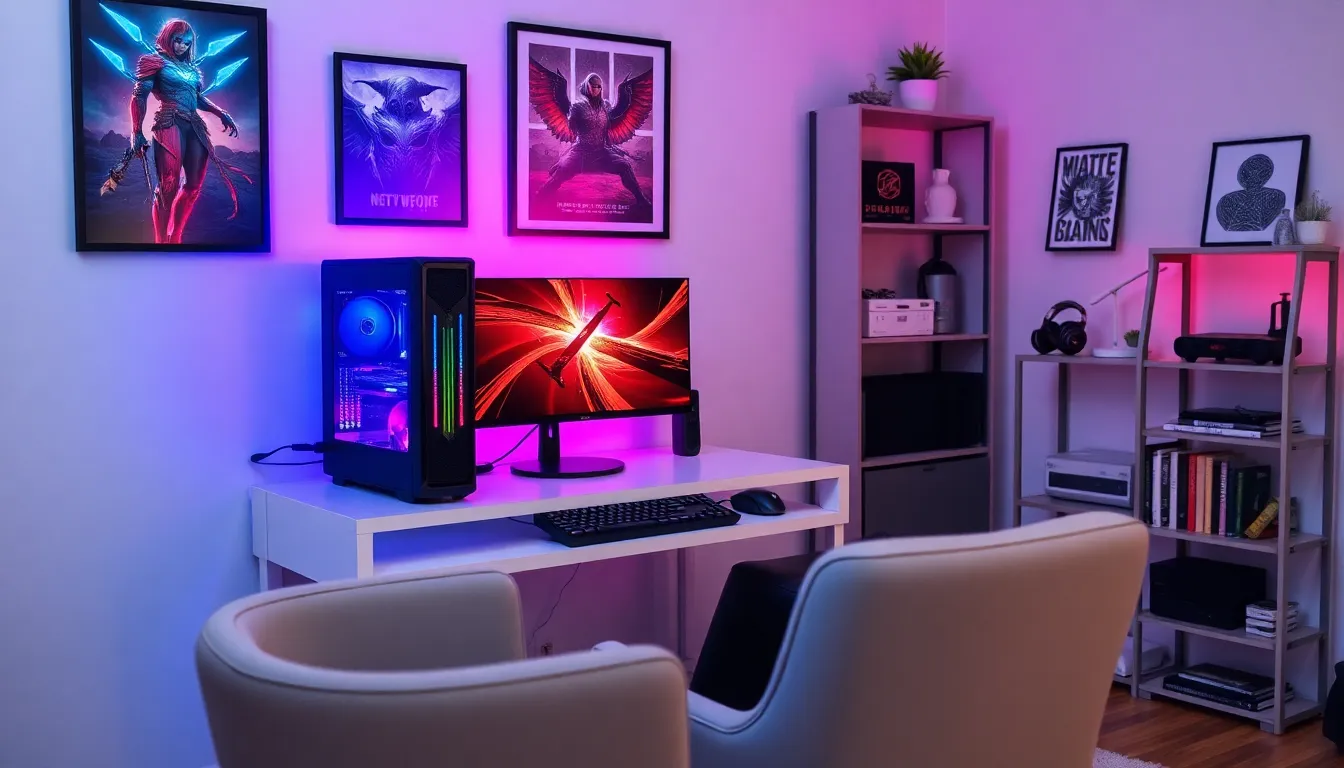
Choosing the Right Gaming PC or Console
First things first, the heart of any gaming setup is the gaming PC or console. This component dictates performance and gaming experience. For gamers, the choice between a PC and a console often comes down to personal preference and type of games. A gaming PC offers flexibility with upgrades and graphics. Processors and graphics cards are the stars of this stage, determining how smoothly the game plays. On the other hand, consoles such as the PlayStation or Xbox provide a “plug-and-play” experience, saving time while still delivering a robust performance. Consider what games are most appealing and choose the platform that supports them best.
Understanding Monitor Requirements
The monitor is like the window into your gaming universe. The resolution, refresh rate, and response time play a pivotal role in how visuals appear. Gamers often prefer 1080p or even 1440p resolution for that crisp quality. If one is into fast-paced games like first-person shooters, a monitor with a 144Hz refresh rate can provide a significant advantage. Also, it’s crucial to test several monitor aspects, from size to viewing angles, to ensure a perfect fit for a gaming corner that not only functions well but looks stunning.
Key Peripherals for an Optimal Experience
Selecting the Right Keyboard and Mouse
No gaming setup is complete without a keyboard and mouse worthy of the action about to unfold. Mechanical keyboards are often top contenders, loved for their tactile feedback and durability. Players should consider key switch types based on comfort and gaming style. As for the mouse, the DPI (dots per inch) settings matter. Higher DPI allows for quicker movements, a game-changer in precise gaming scenarios. The choice of ergonomic design enhances comfort during those long gaming sessions, keeping fatigue at bay while winning battles.
Importance of Good Audio Equipment
Let’s face it: good audio can elevate a gaming experience to incredible heights. An immersive sound is essential for pinpointing enemy movements, enjoying atmospheric game soundtracks, or simply feeling the punch of each explosion. Invest in a quality headset or speakers that joyfully deliver sound and comfort. Wireless options offer freedom from tangled wires, allowing gamers to move freely, although one should always keep an eye on battery life if untethered.
Setting Up Your Gaming Space
Creating a Comfortable Environment
Comfort is paramount for an enjoyable gaming experience. Start by choosing a chair that supports extended seating without causing discomfort. Ergonomic chairs are highly recommended as they can adjust according to individual needs. Lighting plays an equally crucial role, using soft, ambient lighting to enhance focus and minimize eye strain. A good desk should accommodate all components while providing ample space for snacks, because who doesn’t need fuel during an epic gaming session?
Cable Management Tips and Tricks
Ah, the battle of the cables. Nothing dampens a setup quite like a tangled mess of wires. Invest in cable management tools like velcro straps, clips, and sleeves to keep everything neat. Running cables along the back of the desk keeps the space tidy, while labeling them can save a lot of headaches when troubleshooting. This may seem minor, but a cleaner setup can have a significant impact on a player’s mood and focus.
Final Touches for Your Gaming Setup
Personalizing Your Space
Now it’s time to make that setup truly yours. Personal touches can range from posters of favorite games to collectibles that make every viewer smile. RGB lighting can add a refreshing vibe and allow customization according to mood. Including personal achievements, like trophies or gaming awards, on display also adds a unique flair, creating a sense of pride in one’s gaming space.
Maintaining Your Gaming Gear
Finally, it’s vital to maintain that gear. Regular cleaning ensures equipment stays in peak condition, enhancing longevity. Dust can accumulate quickly, so keeping surfaces clean and dust-free can prevent cooling issues with hardware. Also, regularly checking for software updates on PCs allows for smoother gameplay and new features, keeping gamers at the top of their game.

